Electronic gadgets are proliferating, making a fast and hassle-free connection between them essential. Whether it’s for transferring files, playing network games, or simply sharing photos, solutions for linking these devices are multiplying. Wireless technologies like Bluetooth and Wi-Fi Direct greatly facilitate this task, eliminating the need for cumbersome cables.
For music lovers, wireless speakers and headphones offer unparalleled freedom. Home automation enthusiasts, on the other hand, can control their devices remotely via dedicated apps. The simplicity and efficiency of these methods transform the way we interact with technology on a daily basis.
Prerequisites and preparation before setup
To connect your nearby devices, a few preliminary steps are necessary. First, ensure that all your devices, whether smartphones, tablets, or computers, are compatible with wireless connection technologies like Bluetooth or Wi-Fi Direct.
Check your device settings
Before you begin, access the settings of your main device:
- Open the Settings app on your mobile or tablet.
- Go to the Devices and sharing section.
- Enable the Connection preferences and Nearby sharing options.
These simple actions prepare your devices for a quick and wireless pairing.
Use voice commands
To further simplify the process, the Google Assistant proves extremely helpful. Use the voice command “ ok google set up my nearby device ” to automatically launch the setup. This approach reduces manual handling and provides a smooth user experience.
Technologies and compatibility
Google offers various solutions to facilitate these connections. Google Fast Pair uses technologies like Bluetooth and Wi-Fi to quickly pair your devices. This technology is compatible with a wide range of devices, including:
- Google Pixel Buds Pro
- One Plus Buds Z2
- Fitbit
- Bose 700
- Samsung Galaxy Buds
- Harman Kardon Fly
- JBL Live 660 NC
With these prerequisites in place, your devices will be ready for a quick and efficient setup. 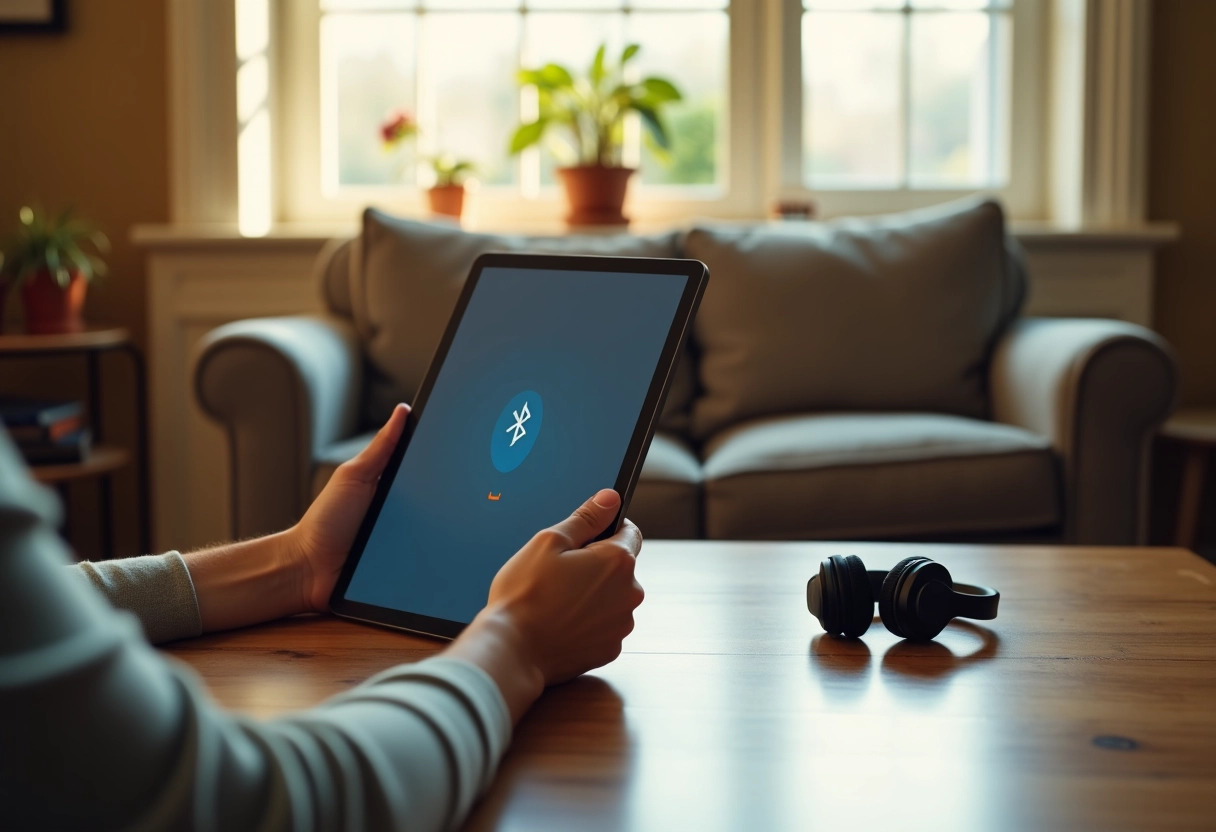
Quick device setup procedure
For a quick setup of your devices, follow these simple and effective steps. Start by enabling the Google Fast Pair feature on your main device. This technology uses Bluetooth and Wi-Fi to establish a fast and secure connection between your devices.
Setup steps
- Open the Settings app on your Android device.
- Go to the Devices and sharing section.
- Select Connection preferences, then enable Nearby sharing.
Using Google Fast Pair
Once these settings are enabled, Google Fast Pair automatically detects compatible nearby devices. Devices such as Google Pixel Buds Pro, One Plus Buds Z2, and Fitbit will be easily detected and can be paired in seconds.
Compatibility and usage
Make sure your devices are compatible with Google Fast Pair. Here is a non-exhaustive list of supported devices:
- Google Pixel Buds Pro
- One Plus Buds Z2
- Fitbit
- Bose 700
- Samsung Galaxy Buds
- Harman Kardon Fly
- JBL Live 660 NC
These devices, once detected, will display a pop-up notification on your screen to finalize the connection. Simply tap ‘Connect’ to complete the procedure. Using Google Fast Pair significantly reduces the time needed to pair your devices while ensuring a stable and secure connection.